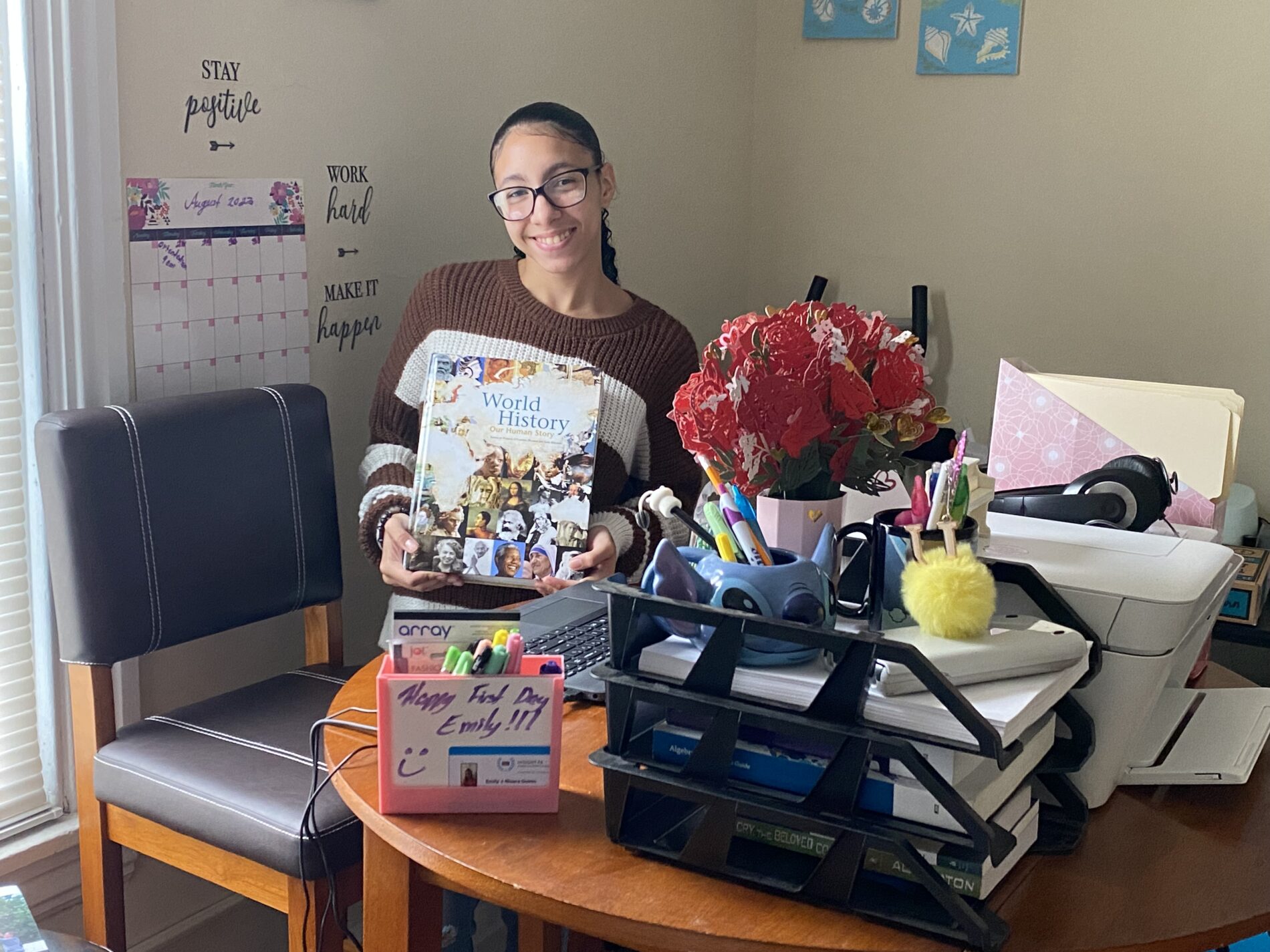
Welcome to Insight PA!
 We’re so excited to welcome you to our school community. On this page, you will find information and links to help your student(s) and family get off to a great start. Whether you’re new to online learning or coming to us with years of experience, we’re here to help you every step of the way.
A Word from Our Principals
Digital Welcome Packet
Our digital welcome packet includes all of the important links, information, and “to do” items that will ensure your student has a successful start at Insight PA. Please take the time to review the entire packet and complete as many of the items as you can before your student’s first day of school.
Get to Know Our Website
There is so much information on our website, but we especially recommend reviewing (and bookmarking!) the pages and links listed below.